


 Use a from My account → Integrations → MCP to connect Claude Code to Every.
Company Admins, HR Admins and Bookkeepers with AI chat access can connect Claude Code with the tools their roles allow. Employees with AI chat access can connect their own client (see MCP for employees).
Use a from My account → Integrations → MCP to connect Claude Code to Every.
Company Admins, HR Admins and Bookkeepers with AI chat access can connect Claude Code with the tools their roles allow. Employees with AI chat access can connect their own client (see MCP for employees).
Before you begin
Use a Company Admin, HR Admin or Bookkeeper account with AI chat access. Install Claude Code before continuing. Create a token in Every and copy it.Add the server
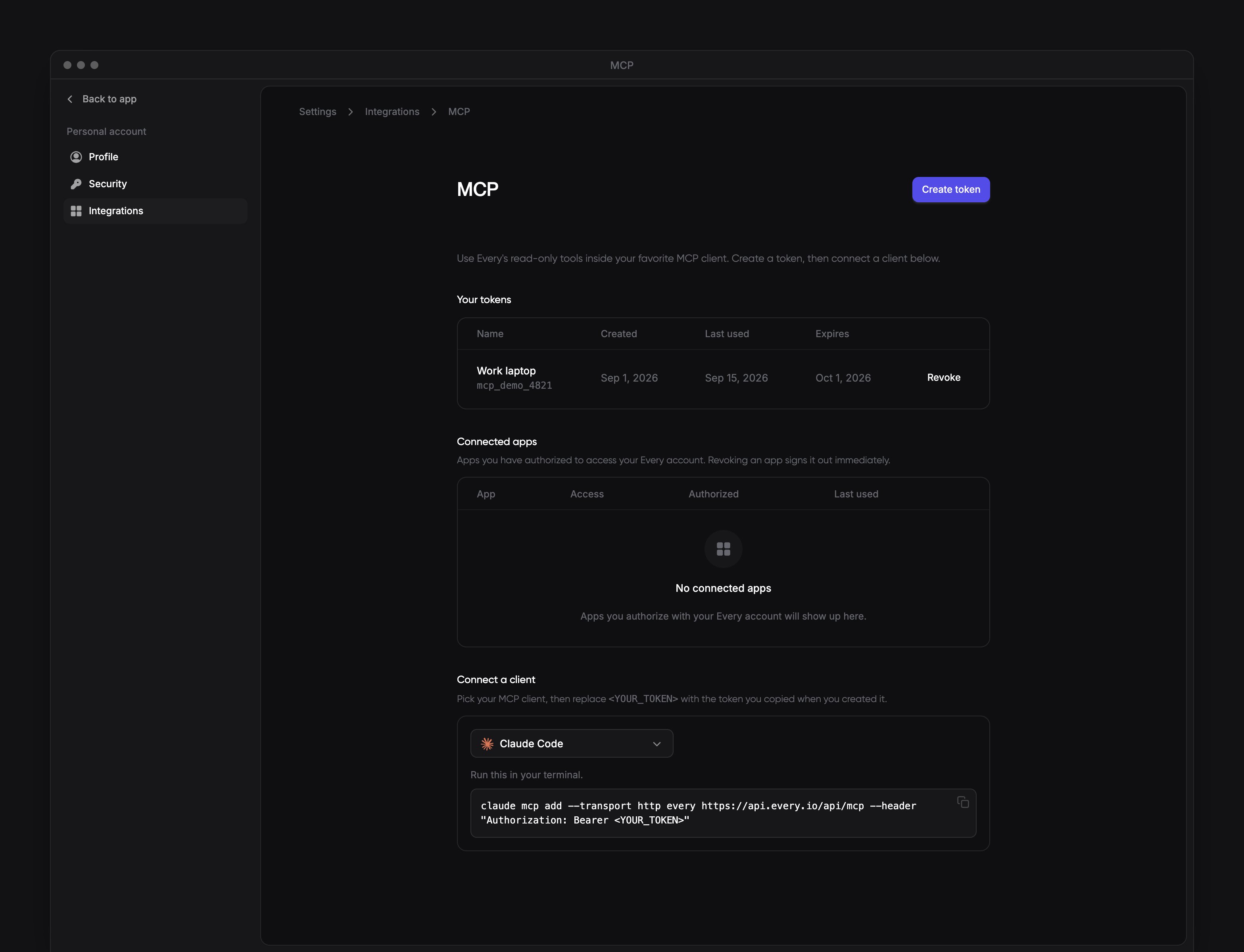
In your terminal, run this command with the token placeholder replaced by the token you copied: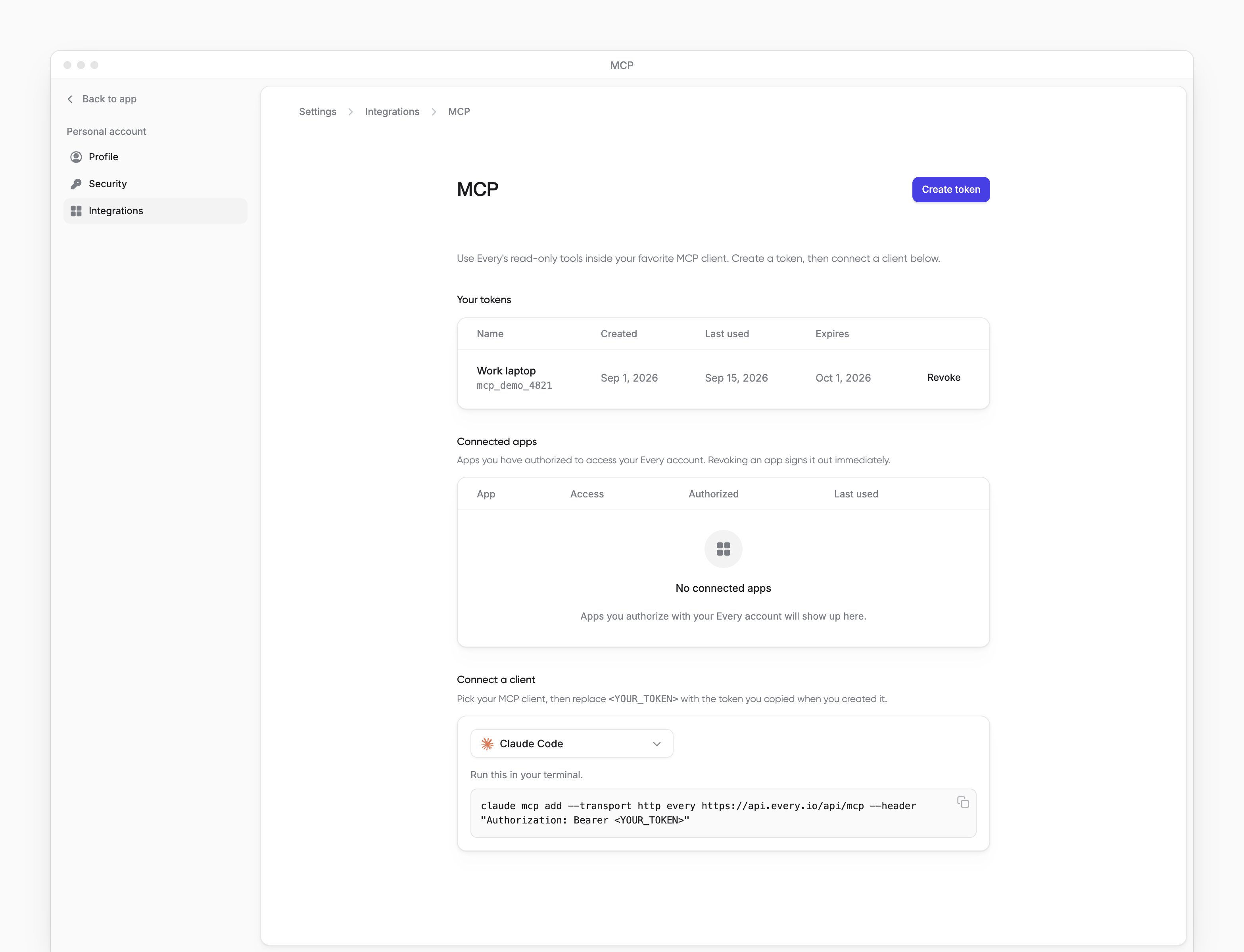
What happens next
Every is available in Claude Code across your projects on this computer. To check the connection, ask a question your roles allow. Company Admins and Bookkeepers can ask about company banking data when the banking tools are turned on for your company.Review company cash
Disconnect
-
Remove the server from Claude Code:
- Revoke the token in Every.