


 You add employees and contractors from People, which appears in the sidebar once your company’s account is approved and payroll is set up. Start payroll setup from Payroll in the sidebar, or from Setup payroll on Home. Company Admins and HR Admins can do each step, though an HR Admin role alone can’t save the account that funds payroll.
Before you begin
- Your company’s account is approved (see Open a bank account). Until it is, the button on Payroll reads Get started after account approved, and you can’t select it.
- You’re a Company Admin or HR Admin. Without one of those roles, you don’t see Payroll or People in the sidebar.
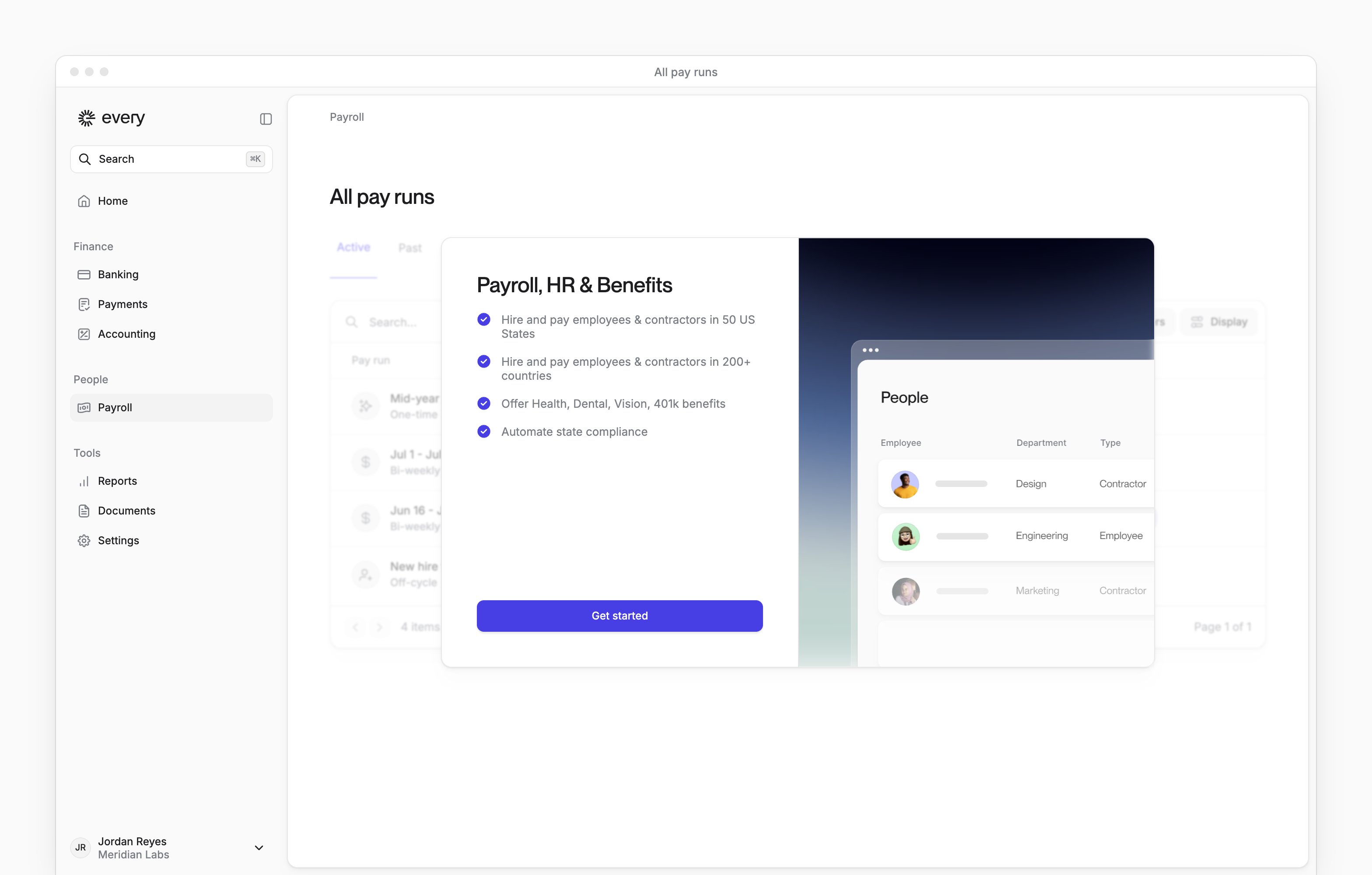
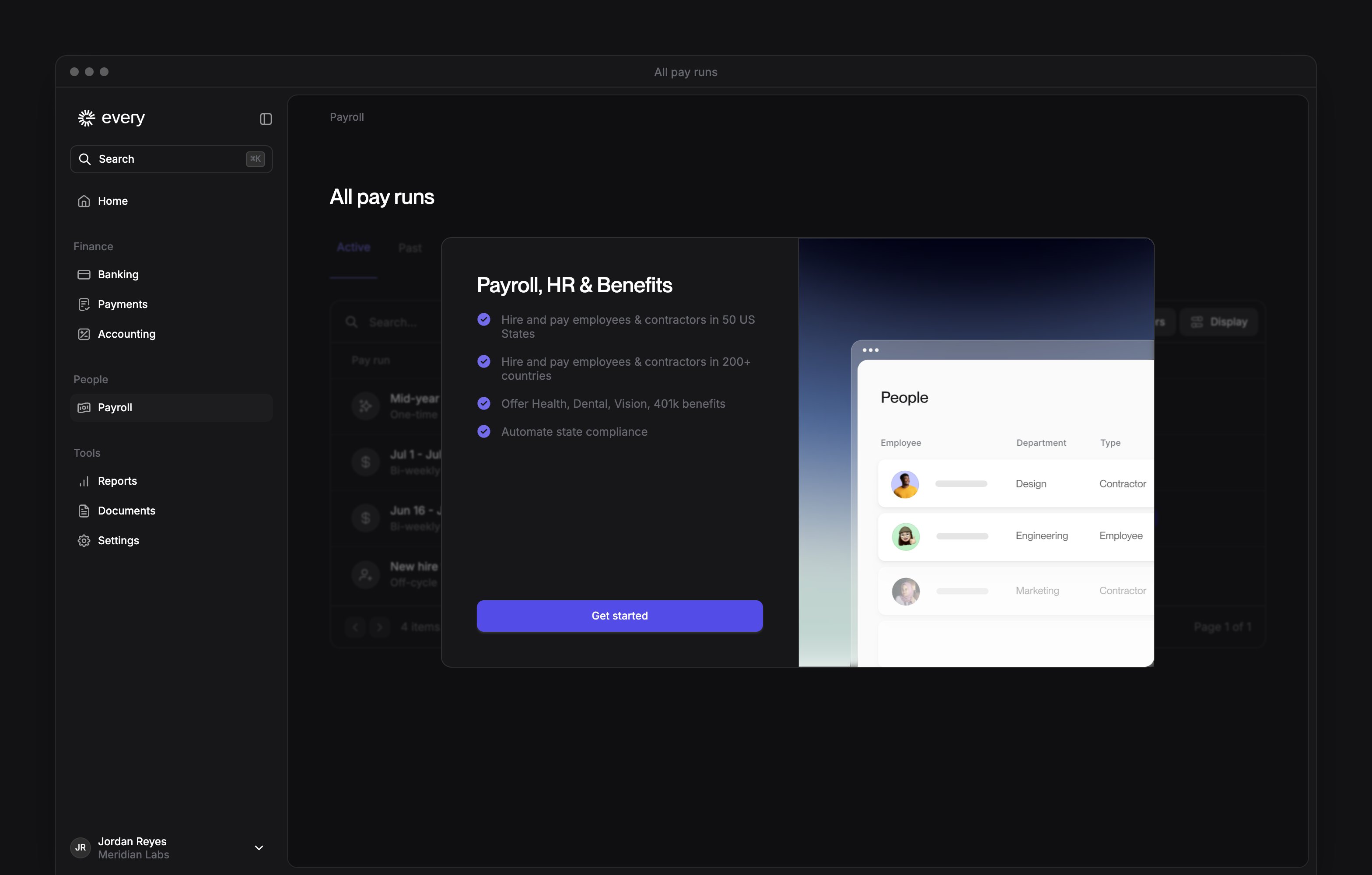
Set up payroll
1
Start payroll setup
On Payroll, select Get started. You can also start from Home: under Setup payroll, select Setup payroll schedule. Setup payroll appears under Things to do once your company has an on file.
2
Answer the payroll history question
On Payroll history, say whether you’ve paid employees this calendar year through another payroll provider.
3
Choose the previous provider
If you chose Yes on Payroll history, select your previous provider.
4
Add Every to the previous provider
If you chose Yes on Payroll history, add tax@every.io as an administrator in that provider’s account.
5
Add your work locations
On Work locations, select Add location for each U.S. office where you have employees. If you don’t have an office yet, you can use your home address. You need at least one location to continue.
6
Name the pay schedule
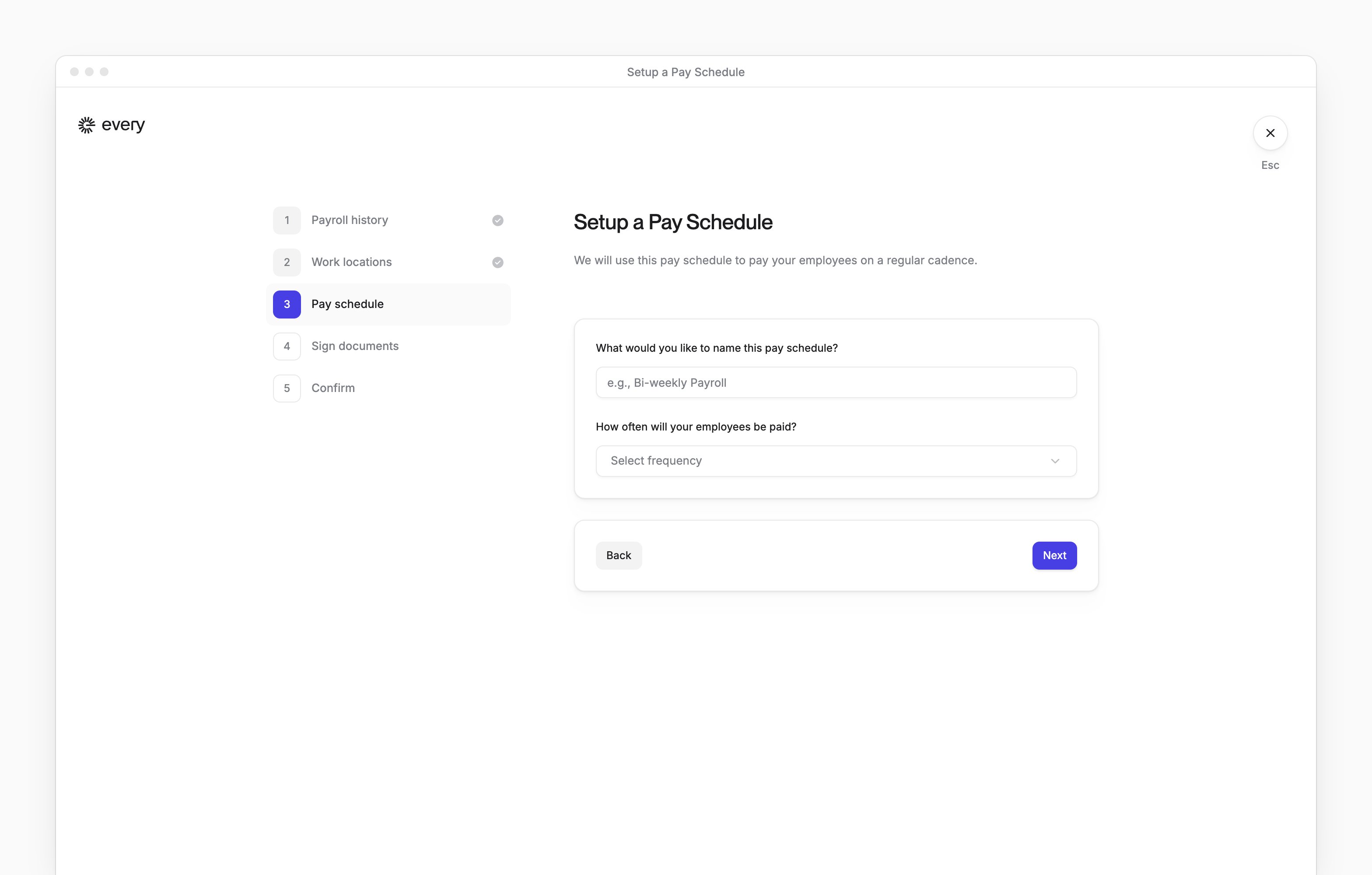
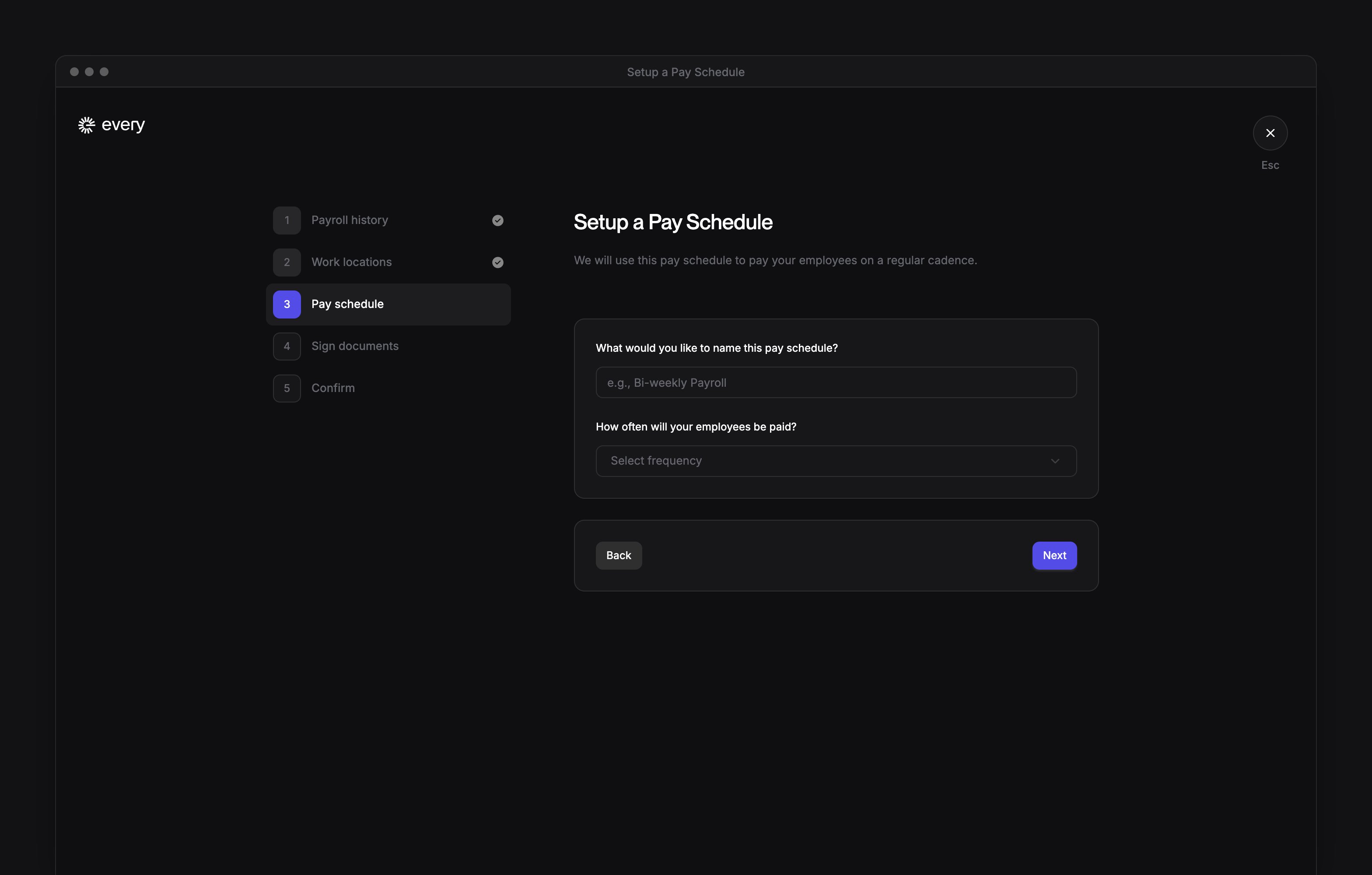
On Pay schedule, name the schedule.
7
Choose the pay frequency
On Pay schedule, choose how often your employees are paid.
8
Choose the monthly payday
For Monthly, choose the day of the month if the question appears.
9
Choose the first payday
On Pay schedule, if asked, choose the first payday.
10
Choose the first pay period
On Pay schedule, if asked, choose the first .
11
Sign the reporting agent form
On Sign documents, in the Reporting Agent Authorization Form (Form 8655), enter your full name in Signature.
12
Agree to the reporting agent form
On Sign documents, select the Reporting Agent Authorization Form’s checkbox to agree to its terms.
13
Sign the direct deposit form
On Sign documents, in the Company Direct Deposit Authorization Form, enter your full name in Signature.
14
Agree to the direct deposit form
On Sign documents, select the Company Direct Deposit Authorization Form’s checkbox to agree to its terms.
15
Certify your authority
On Sign documents, select the checkbox under Authorized Signatory to certify that you can bind your company.
16
Review the pricing
If you see Confirm, review Payroll pricing and the Payment method. If you don’t see this step, your payroll plan is already set up.
17
Confirm the subscription
If you see Confirm, select Confirm & subscribe. Billing starts on the first day of the month of your first payday.
18
Review your answers
On Review and confirm, check your answers. Make changes goes back a step.
19
Submit payroll setup
On Review and confirm, select Submit.
Fund payroll
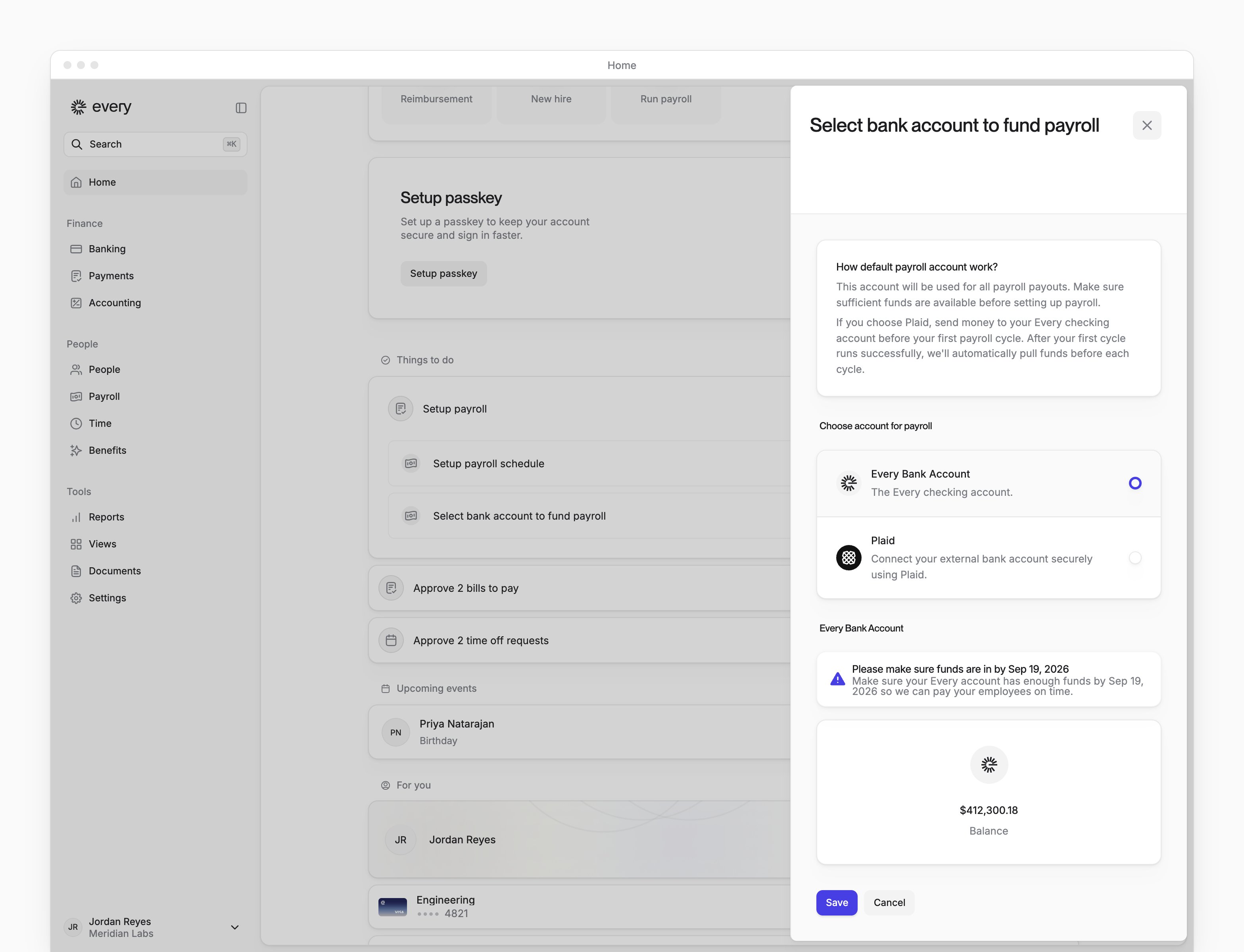
Payroll is paid from your Every checking account, and you choose how that account gets its money. Once Setup payroll schedule is done, the funding choice is on Home under Setup payroll. HR Admins see it, but an HR Admin role alone can’t save it.1
Open the funding choice
On Home, under Setup payroll, select Select bank account to fund payroll.
2
Choose the funding method
Under Choose account for payroll, choose Every Bank Account or Plaid.
3
Optional: Connect a bank account
With Plaid, select Link account to connect an account, or Add account if you’ve connected one before.
4
Choose the connected account
With Plaid, choose one of your connected accounts.
5
Save the funding choice
Select Save. Saving either choice turns on checking autopilot.

Complete owner onboarding
Each other owner in your account application who works at your company gets an item in Setup payroll on Home: Complete onboarding for and their name. You get one too if you work at the company and live in the U.S. Select an item to open that owner’s onboarding. It asks for personal and employment details, job and pay, address, bank account, tax and employment eligibility. When it’s done, Every shows Onboarding Completed.Add people
Select People in the sidebar, then Add people. Adding people walks through the hire and bulk import for adding several people at once. Every turns on bulk import company by company. On Home, Add your employees to Every for payroll also opens People, and Dismiss marks it done.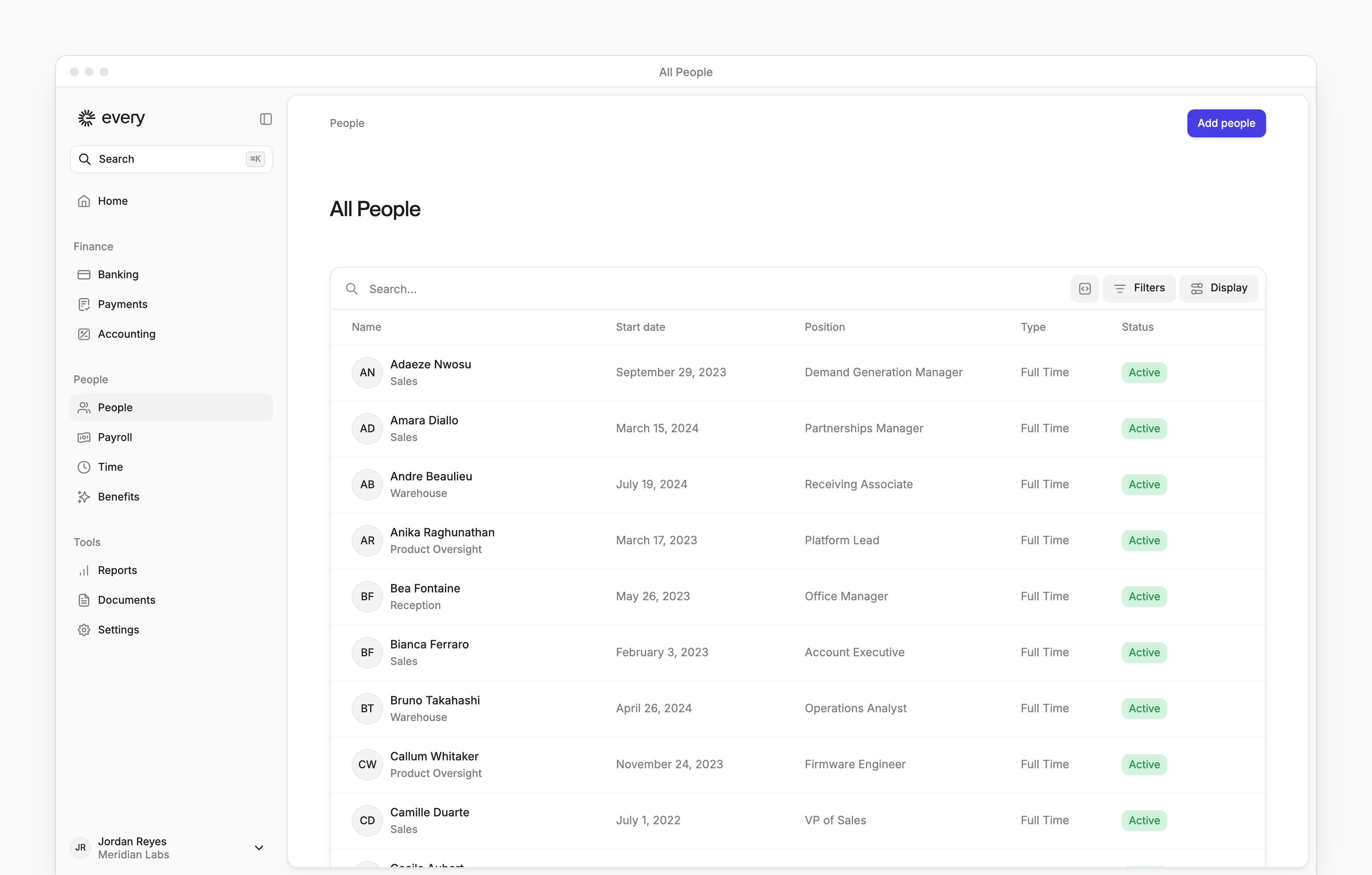
What happens next
- On Payroll, All pay runs has Active and Past tabs for your pay runs, in place of the setup panel (see Pay runs).
- Each person you hire gets an email inviting them to onboard to Every. People you bulk import get theirs when you release the invitations. Adding people covers what they fill in and when they’re first paid.
- When an employee or owner finishes onboarding in a state where your company’s payroll tax accounts aren’t on file, Home lists Setup payroll taxes for that state.