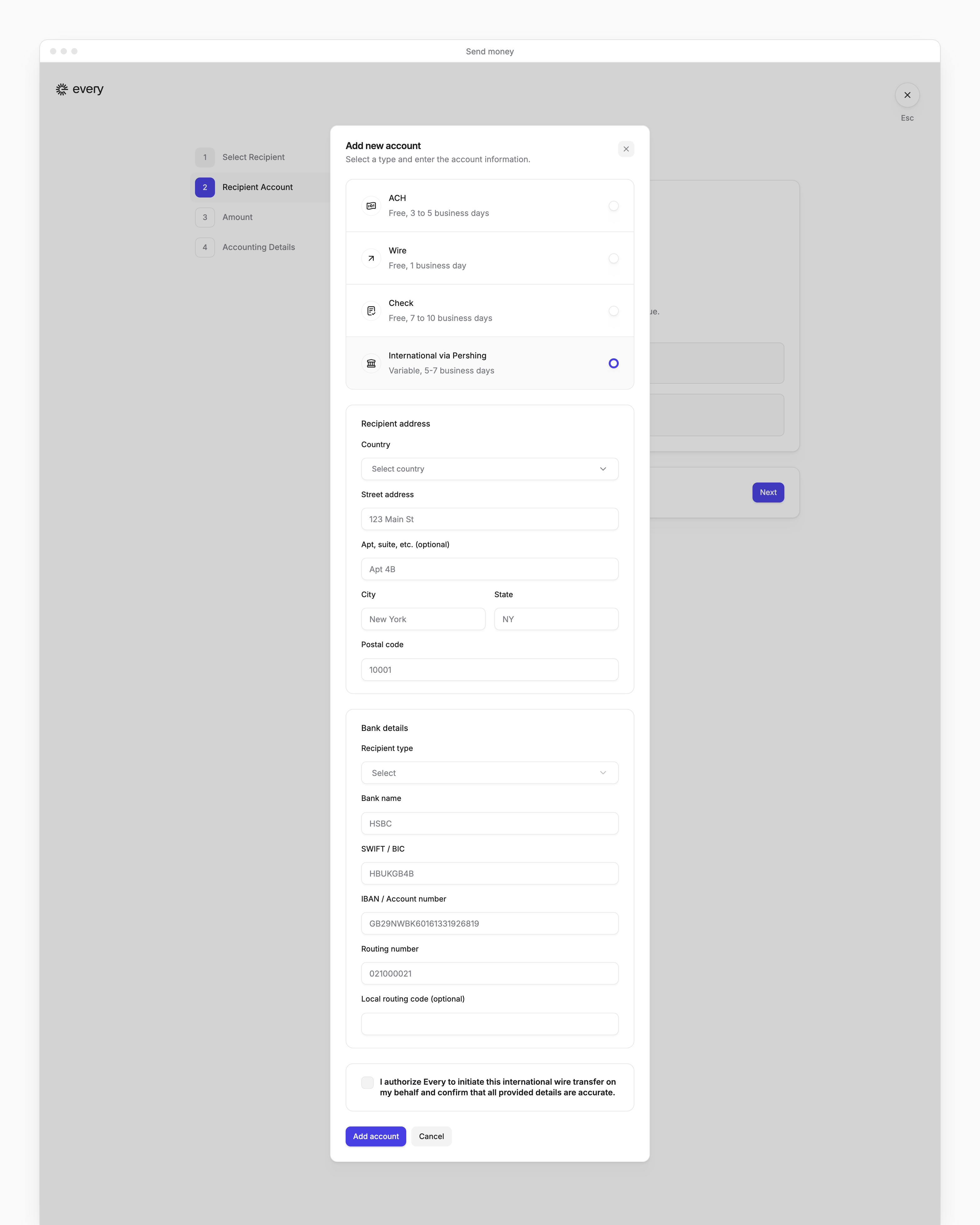
From Payments → All payments, use Send money to pay a vendor abroad by choosing an international option for the vendor’s account. Company Admins and Bookkeepers can send international payments, and so can Accounts Payable users once Every has turned that role on for your company. The steps every payment shares are on Send money.
Every turns on International via Visa Plus and International via Nium company by company. If you don’t see them, email support@every.io to ask about them.
Before you begin
Each option shows its own timing when you choose it. Which ones you see depends on your company:
International via Pershing pays from your money market account, so your company needs a Treasury account first (see Treasury).
Send an international payment
1
Open Send money
Go to Payments → All payments, then select Send money. For the other ways in, see Send money.
2
Choose the vendor
In Select Recipient, choose the vendor, as in Send money.
3
Add the international account
In Recipient Account, select Add new account, then choose the international option.
4
Enter the account details
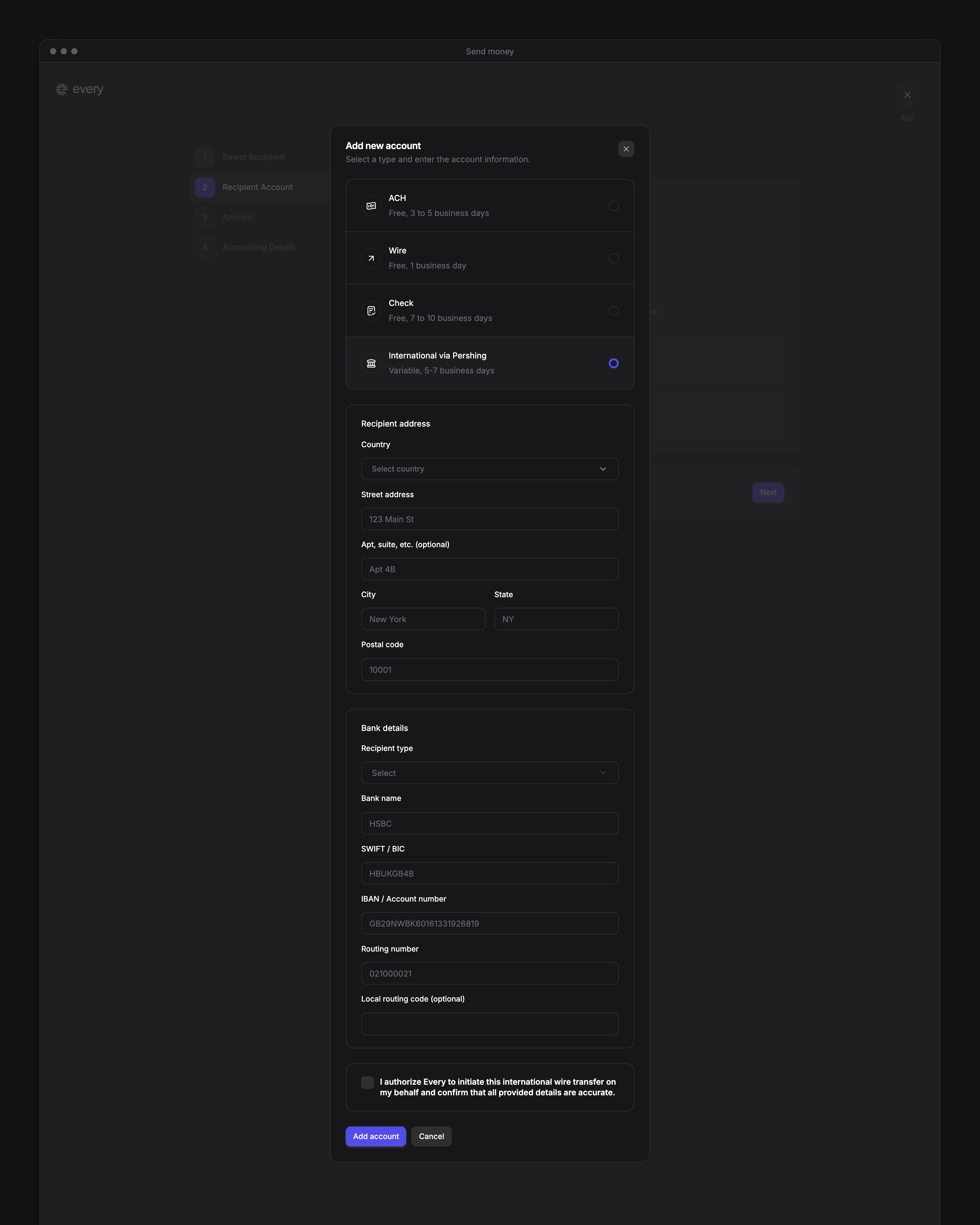
Enter the details the option asks for (see What each option asks for), then select Add account. Every selects the new account, and next time you can choose it from the vendor’s saved accounts.If Recipient Account shows “Every holds no bank details for {vendor name}.” and lists the account types, choose the international option there, enter the details and select Next.
5
Enter the amount
In Amount, enter how much to send. What the step shows depends on the option (see Amount).
6
Complete the accounting details
Fill in Accounting Details as in Send money. It doesn’t ask the question for International via Visa, International via Visa Plus or International via Pershing, and for International via Pershing it adds a question and an invoice (see its accounting details).
7
Review and pay
On the review page, select Confirm & pay, or Make changes to go back.
What each option asks for
On Recipient Account, each option’s form asks for the vendor’s address, then their bank details. Have these ready:
If Send money has a Payment Method step, its Recipient Details step uses some different labels, such as SWIFT code for SWIFT / BIC.