Banking > Treasury lets your company invest cash in money market funds and U.S. Treasury bills. Company Admins and Bookkeepers can use it after your company finishes onboarding.
Open a Treasury account
Until your company has a Treasury account, a panel over the page describes Treasury and offers to open one. You need $100,000 or more in your checking account. With less, the panel says "A minimum balance of $100,000 is required to open a Treasury account.” and offers no Open account button.- In the panel, select Open account.
- Select Submit application.
Your Treasury
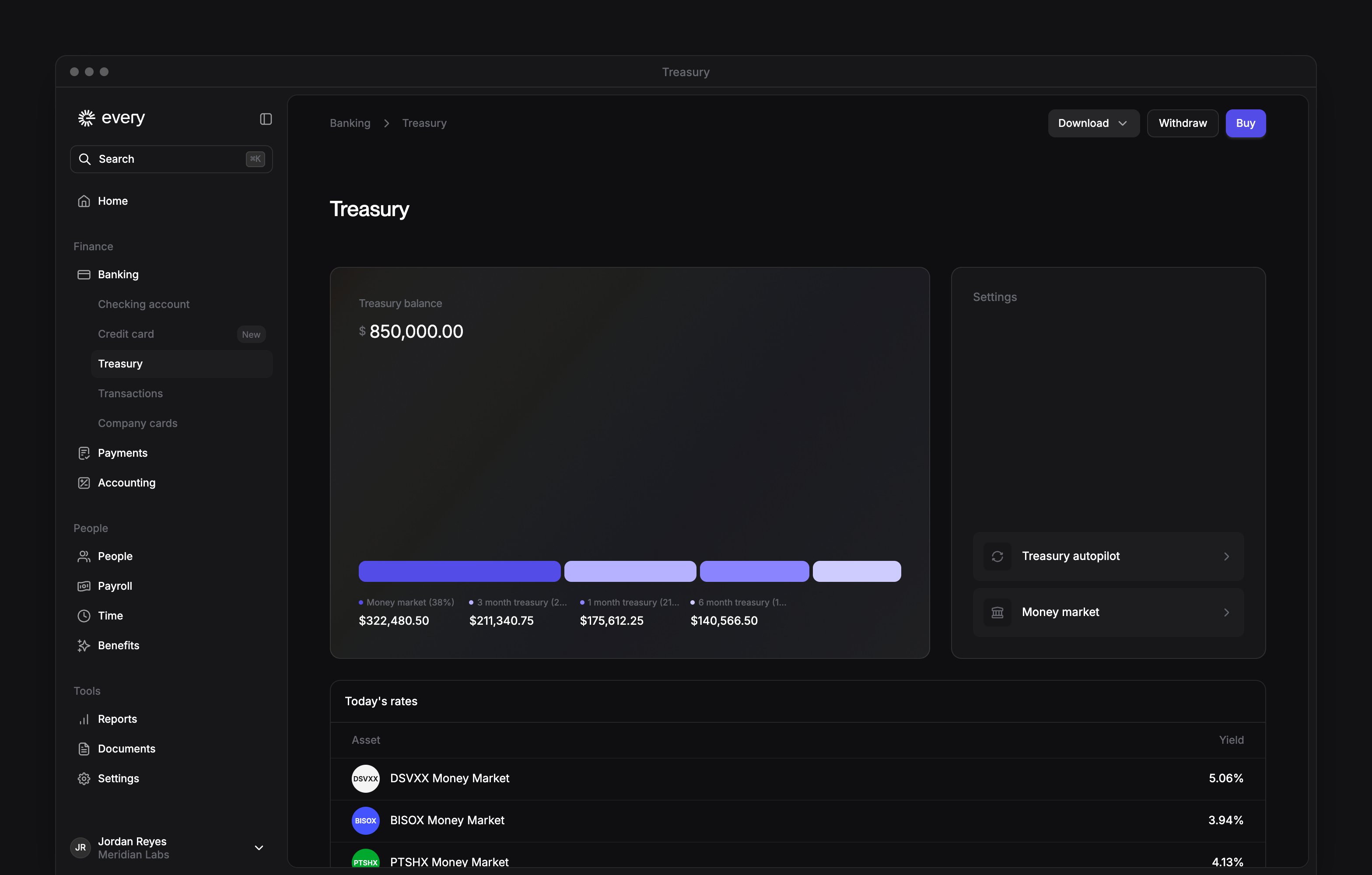
Once your account is open, Treasury balance splits your balance by what you hold. Today’s rates shows the yield on the money market funds and on 1-, 3- and 6-month Treasury bills. Money market positions and Treasury positions list what you hold, each once you hold something there. Select the arrow on Recent transactions or Interests and fees to see the full list. Select Download > Treasury statements, then a year if the menu lists them. The dialog has an Account tab and a Tax statements tab.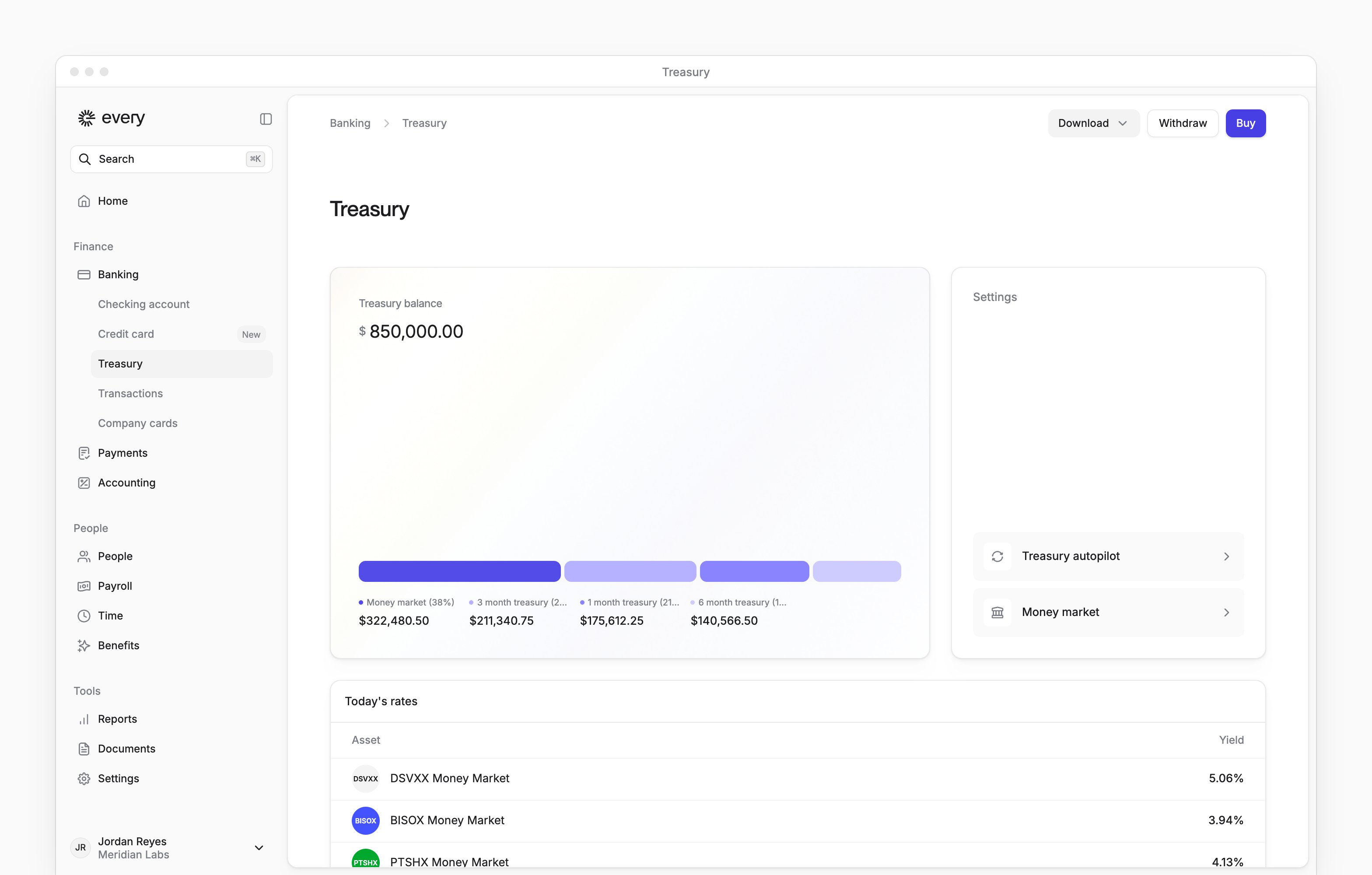
Buy Treasury bills or money market
Select Buy at the top of the page, or on Treasury positions.1
Choose the product
Under Choose product, select Money market or U.S Treasury.
2
Choose the funding account
Under Funding account, choose Every - Checking Account or Treasury - Money market. For Money market, Treasury - Money market isn’t available, so you fund it from checking.
3
Enter what to buy
- For Money market, enter the Amount. Your current fund shows below it. To use a different fund, select Change, choose a fund and select Save changes. That changes the fund for your money market, not only for this purchase.
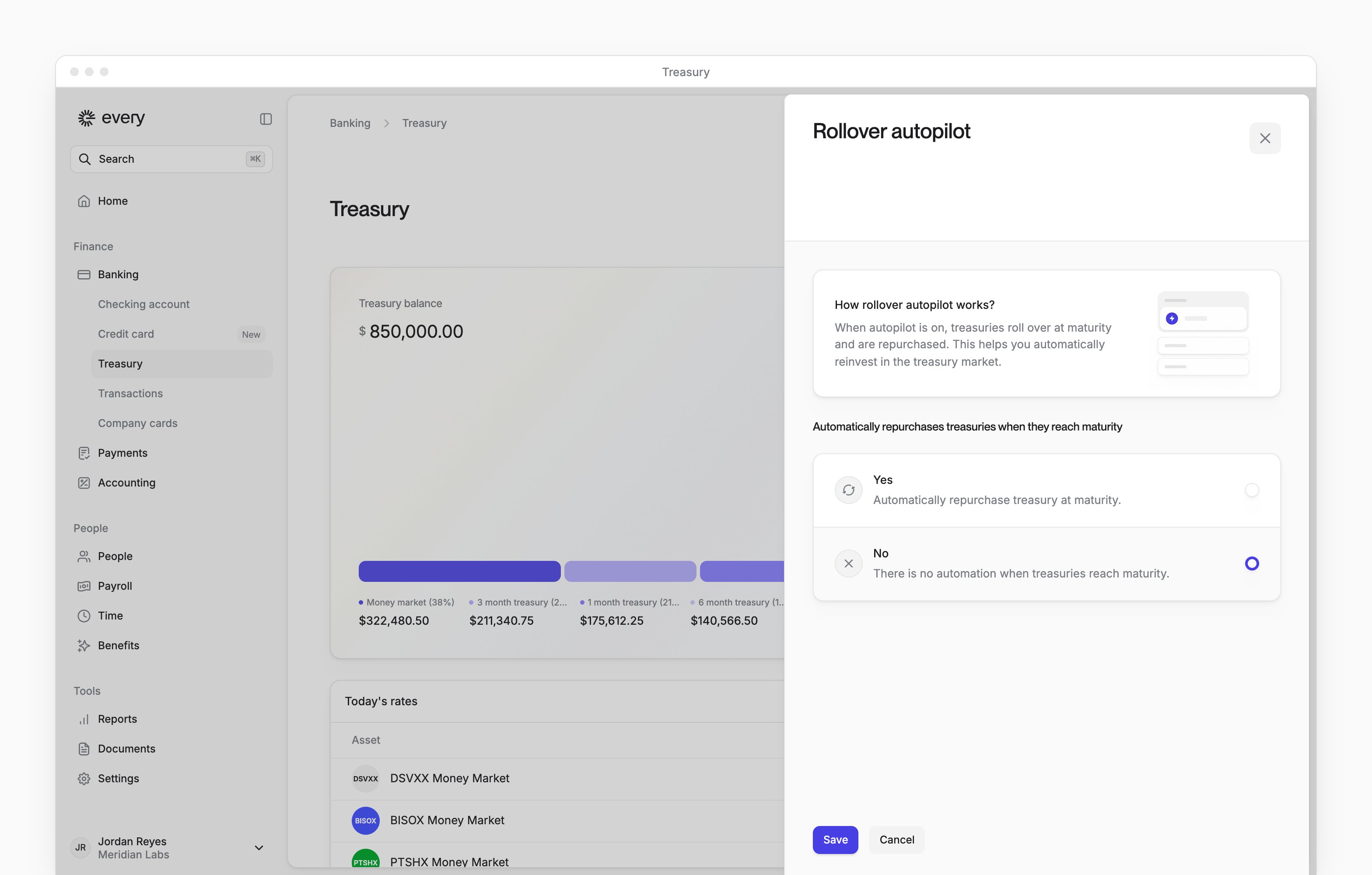
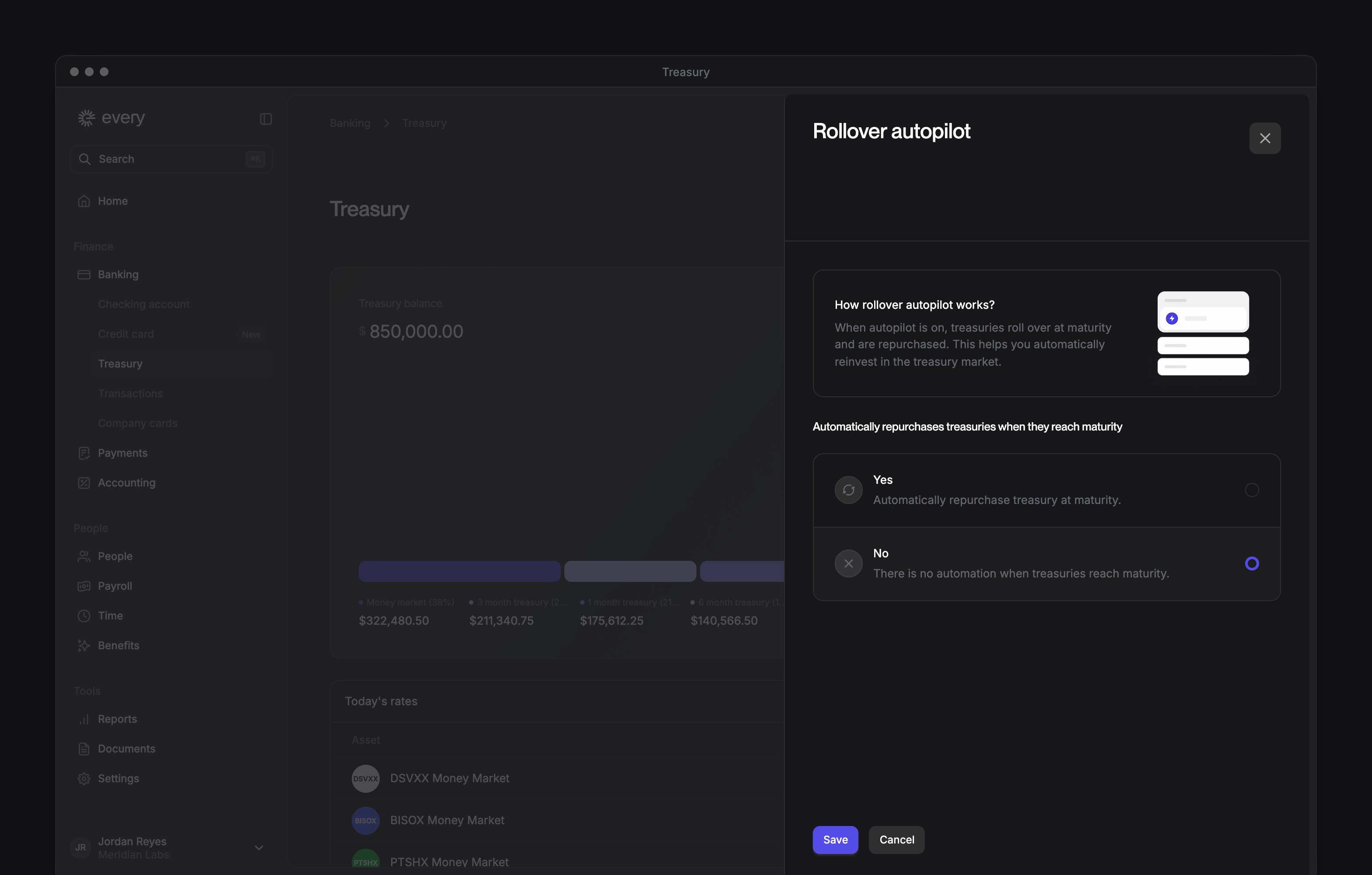
- For U.S Treasury, enter an amount for any of U.S Treasury - 1 month, U.S Treasury - 3 months and U.S Treasury - 6 months. The Auto-buy when maturing switch on the 1-month row is the same setting as Treasury autopilot (see Settings).
4
Optional: turn on minimum balance automation
Under Additional settings, turn on Enable minimum balance automation and enter a Minimum balance. If your checking balance runs low, Every moves money from your money market to top it up. This is the same setting as the checking autopilot, and confirming the purchase saves it.
5
Review the purchase
Select Buy treasury or Buy money market, then review the Transaction summary.
6
Confirm
Select Confirm & buy. Every shows Confirmed with the note “This may take a few days to reflect in your treasury balance.”
Withdraw from your money market
Select Withdraw to move money out of your money market. It opens Transfer Funds with Transfer from already set to your money market. In Transfer to, choose where the money goes. You can also select Transfer on Money market positions. The steps are in Move money.Settings
The Settings panel has two items: