


 Banking > Checking account is the home of your Every business checking account. Company Admins and Bookkeepers can use it after your company finishes onboarding. If your Banking menu has no Credit card item, the sidebar calls this page Overview.
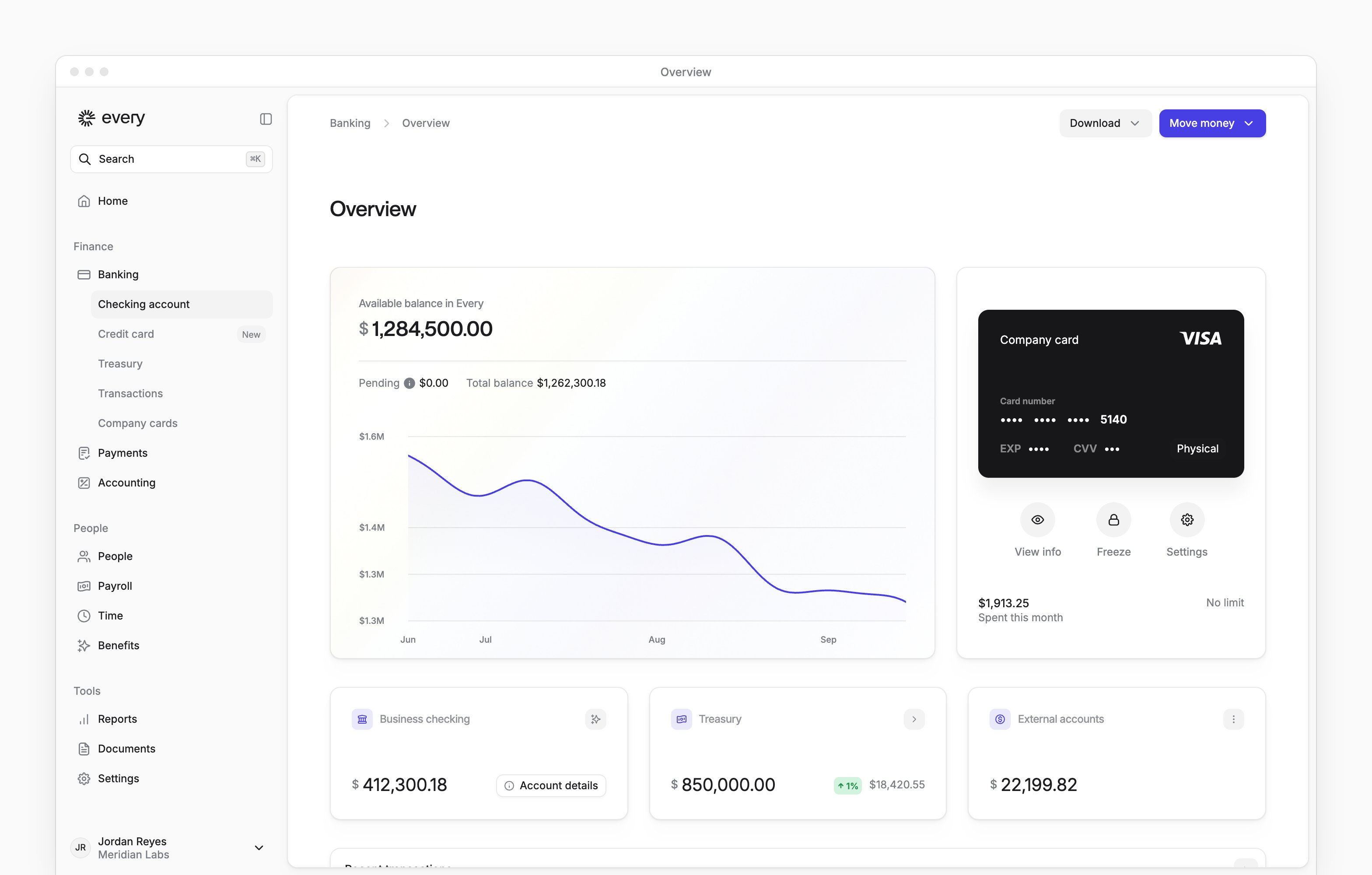
Your balance
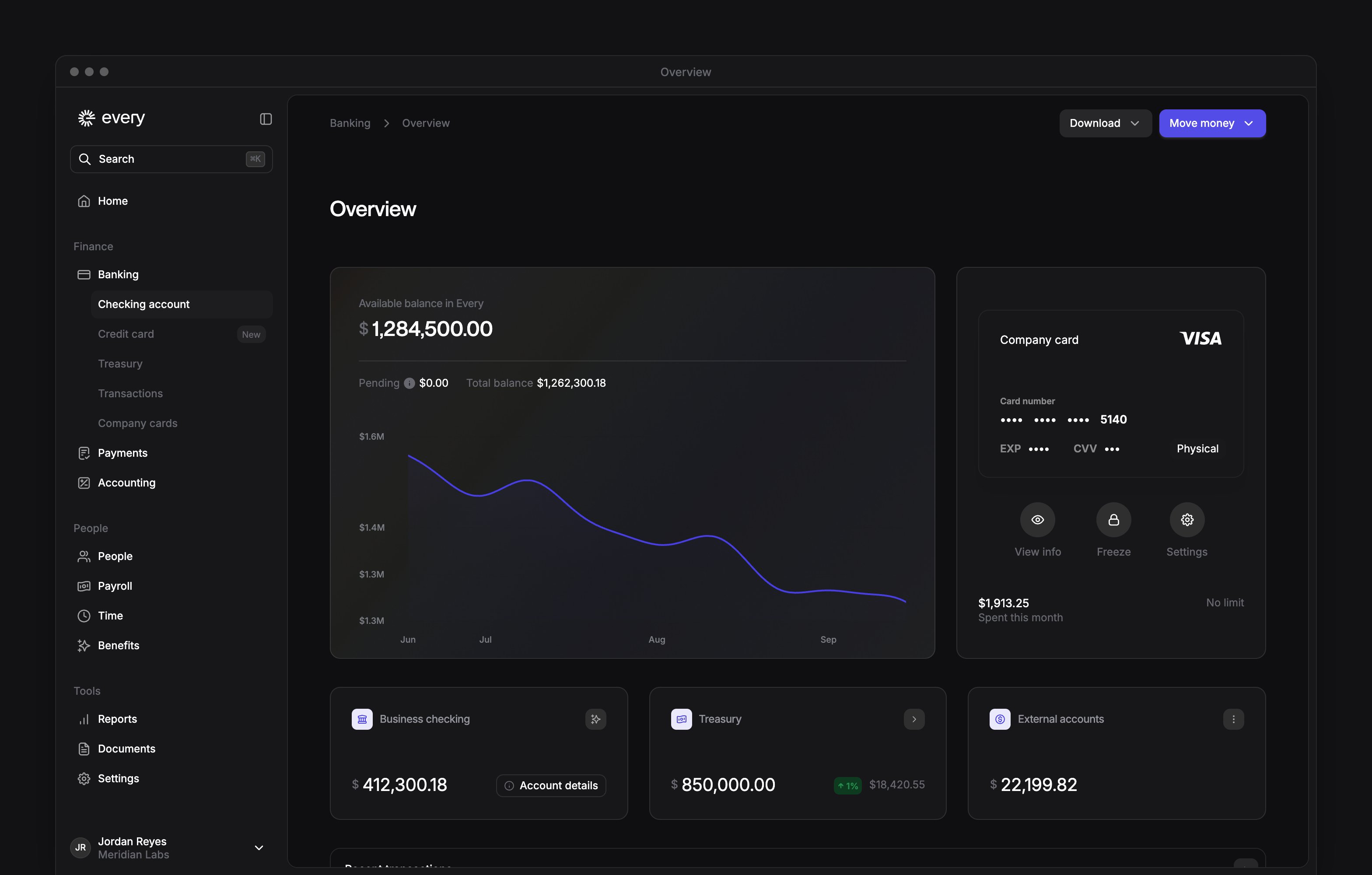
The chart at the top shows Available balance in Every: your checking and Treasury balances combined, after any holds. Under it, Pending is money on hold, such as pending transactions, and Total balance is your balance before those holds. If your checking account is a primary or backup account for your credit card, Pending includes your credit card balance too. If you have an active company card of your own, it sits next to the chart with what you’ve spent against its limit (see Company cards).Accounts
Three cards sit under the chart.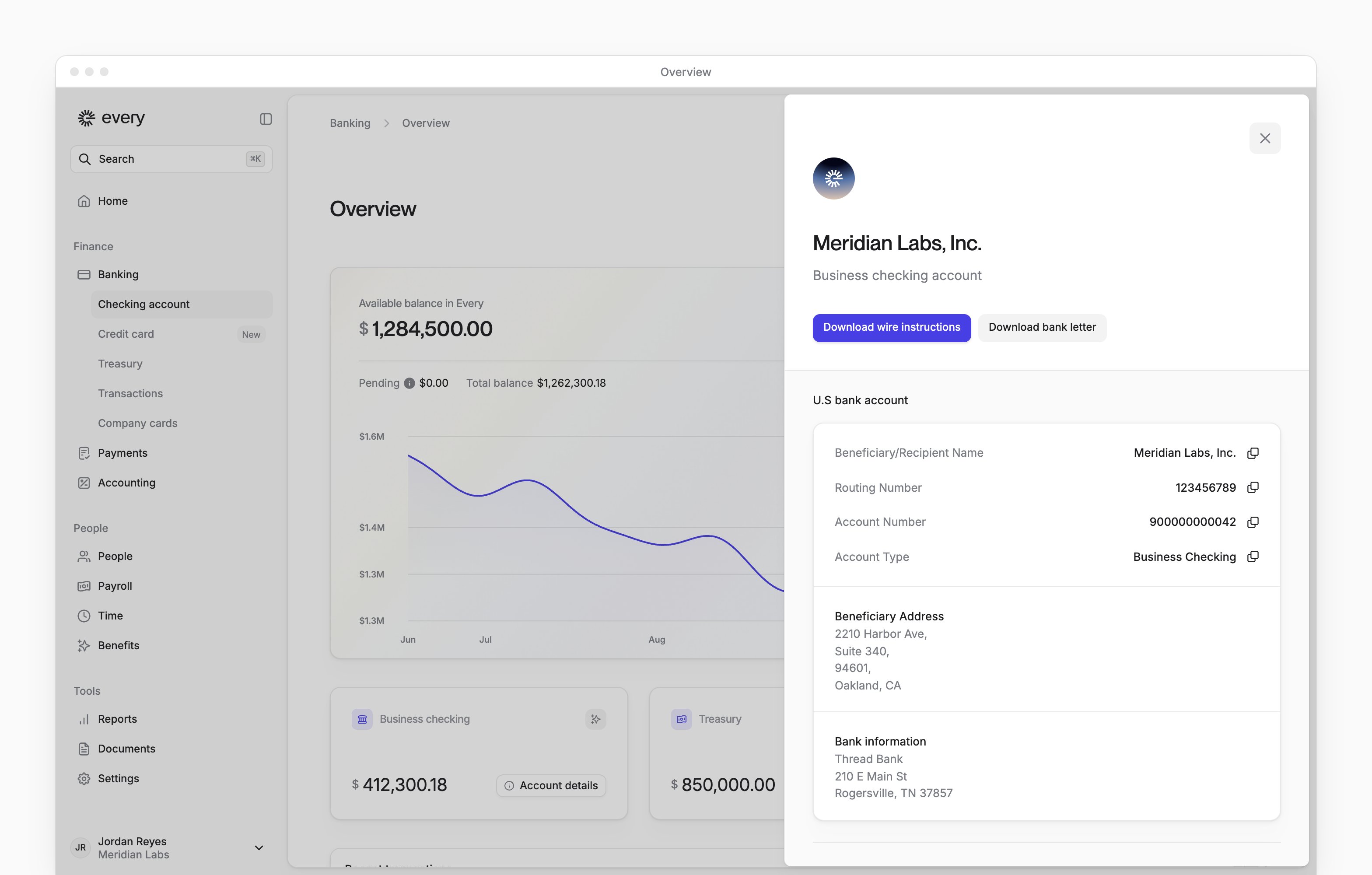
External accounts
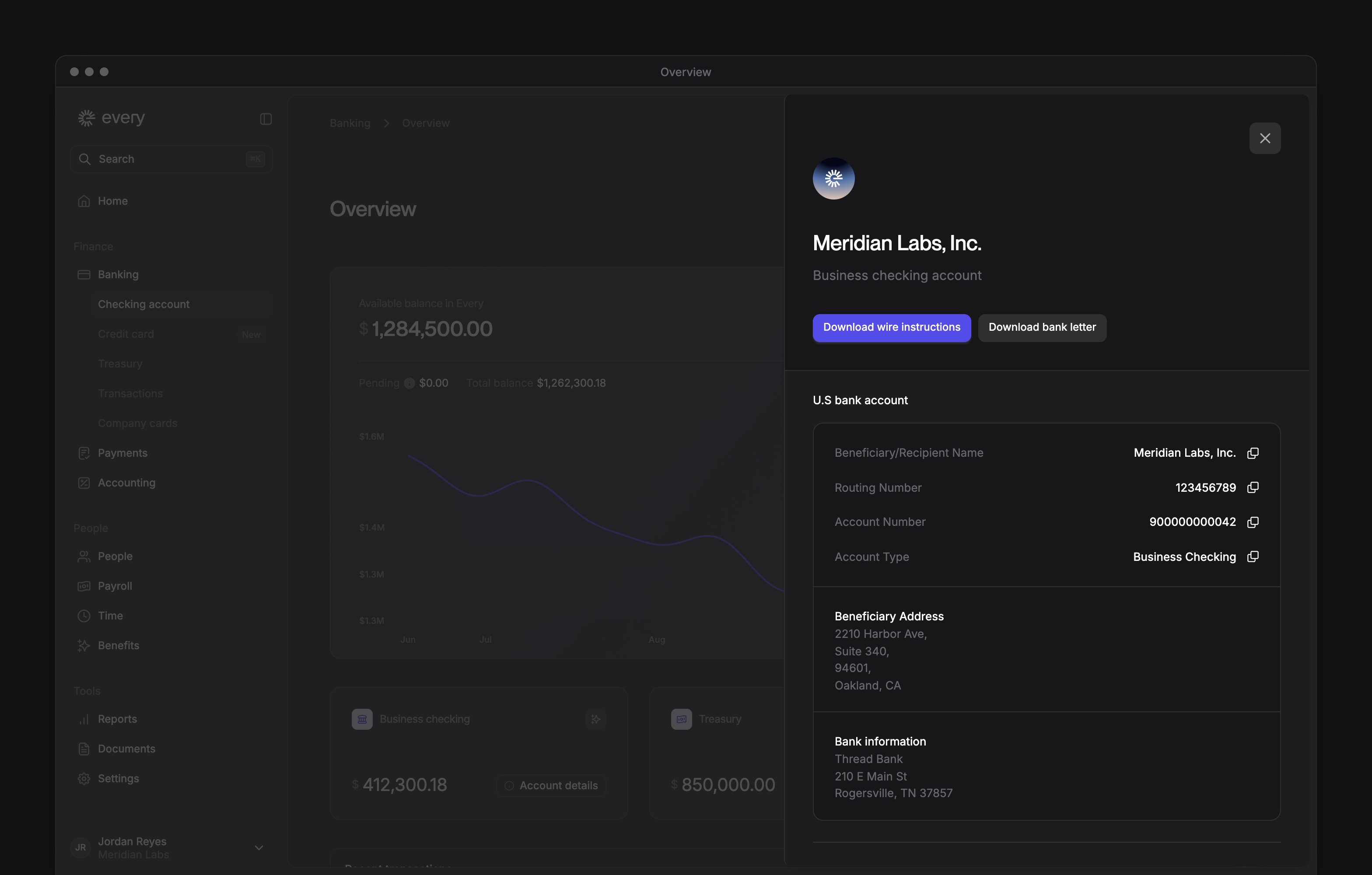
The menu on External accounts has these items:Checking autopilot
Autopilot keeps your checking balance above a minimum you choose, moving money in when the balance is below it. To turn it on:1
Open autopilot
On Business checking, select the autopilot button (the stars icon).
2
Turn it on
Under Autopilot status, choose Enabled.
3
Set the minimum
Enter a Minimum target balance.
4
Choose the backup
Choose a Backup fund account from your connected external accounts. If you have none, select Add backup account to connect one.
5
Save
Select Save.
Download
The Download menu has your Bank letter. Wire instructions appears once your account has a routing number. Checking statements, Credit statements and Treasury statements each appear once your company has statements of that type. Choose a statement type and a year to see that year’s statements, then download the month you need.Move money
Select Move money to Send money, Transfer money, Add funds or Deposit check. Only Company Admins see Transfer money and Add funds. See Move money.Recent transactions
The page ends with your latest five transactions. Select one to see its details and, where the transaction allows it, upload a receipt. Select the arrow to open Transactions.Related
Move money
Send payments, transfer money and add funds
Transactions
Review transactions and attach receipts
Treasury
Invest in money market funds and Treasury bills